

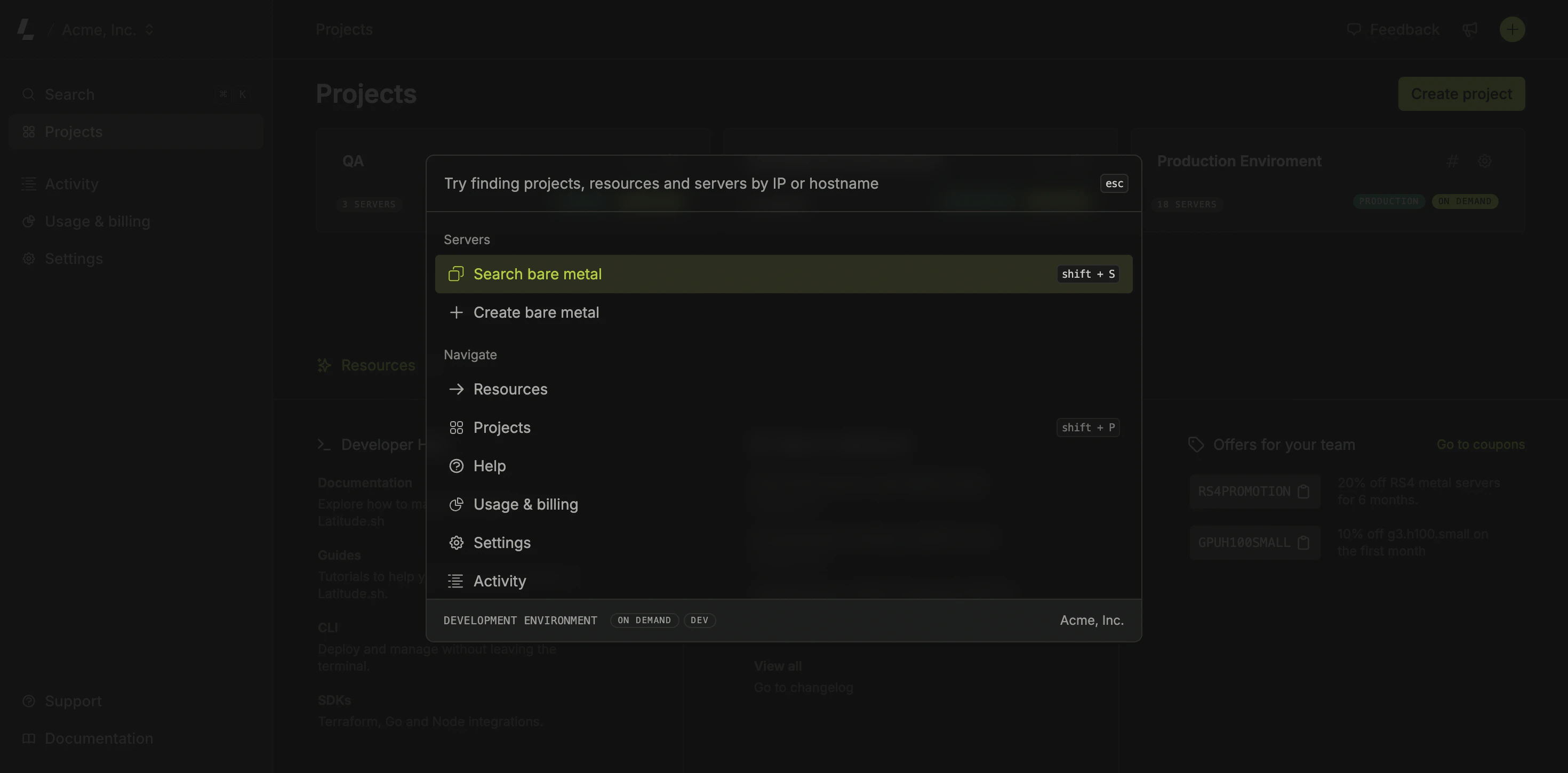
⌘ + K on Mac or Ctrl + K on Windows to access it.
To use the Command Menu, use your cursor or the keyboard’s ↑ and ↓. Hit ↵ to go to the highlighted item.
If you go to a secondary section, for example when clicking on the Help item, use the backspace to go back to the previous section.
The Command Menu works everywhere on the dashboard and presents items based on which page you are.
Server search
The Command Menu supports multiple ways to find servers:- Server ID: Enter the full server ID (e.g.,
sv_abc123def456g) to jump directly to that server - IP address: Enter an IPv4 or IPv6 address to find the server it’s assigned to
- Hostname or label: Enter text to find servers matching their hostname or label
Keyboard Shortcuts
Ctrl/Command+K: Opens the Command MenuShift+S: Opens the server search listShift+T: Opens team selectionShift+P: Opens project selectionShift+?: Opens the help menut: Toggles between light and dark theme