Requirements
- 2 or more Latitude.sh servers
- Kubectl installed on your local workstation
Step 1: Set up your Kubernetes control plane
1
Access CLASTIX playground
Access the CLASTIX playground and log in with your GitHub account.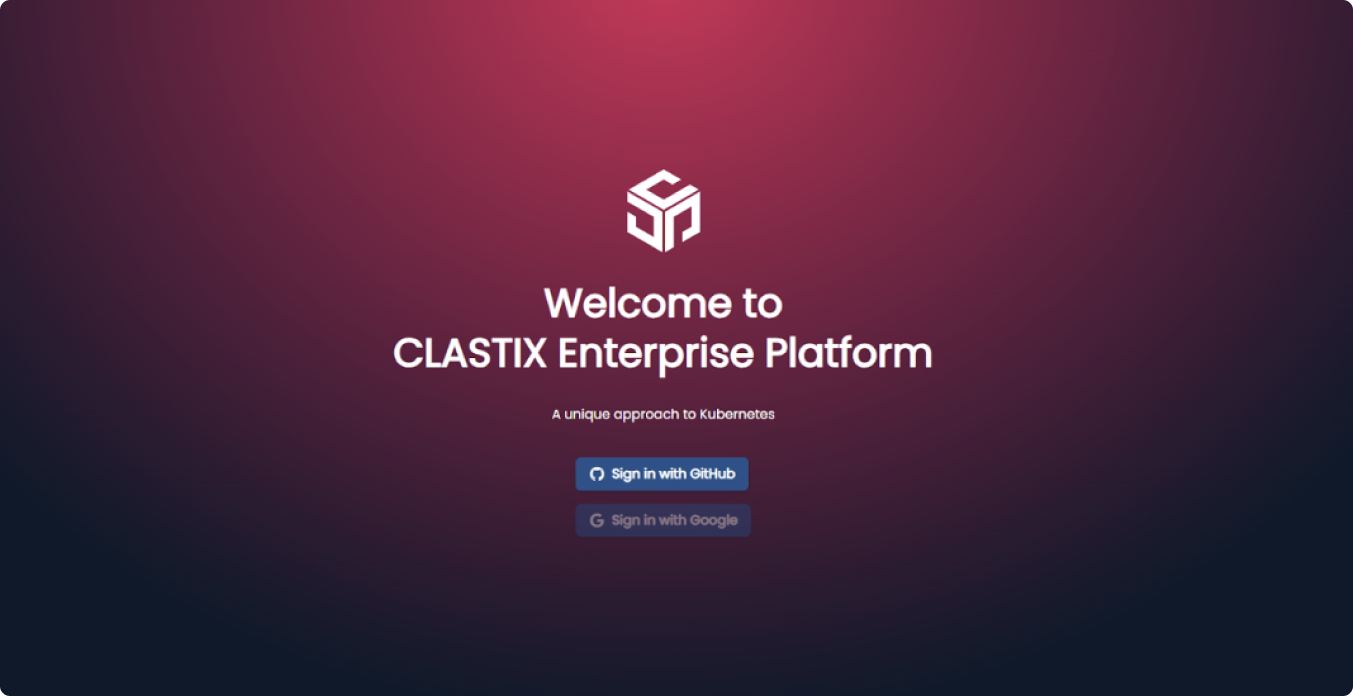
2
Create your first cluster
Click Create your first cluster.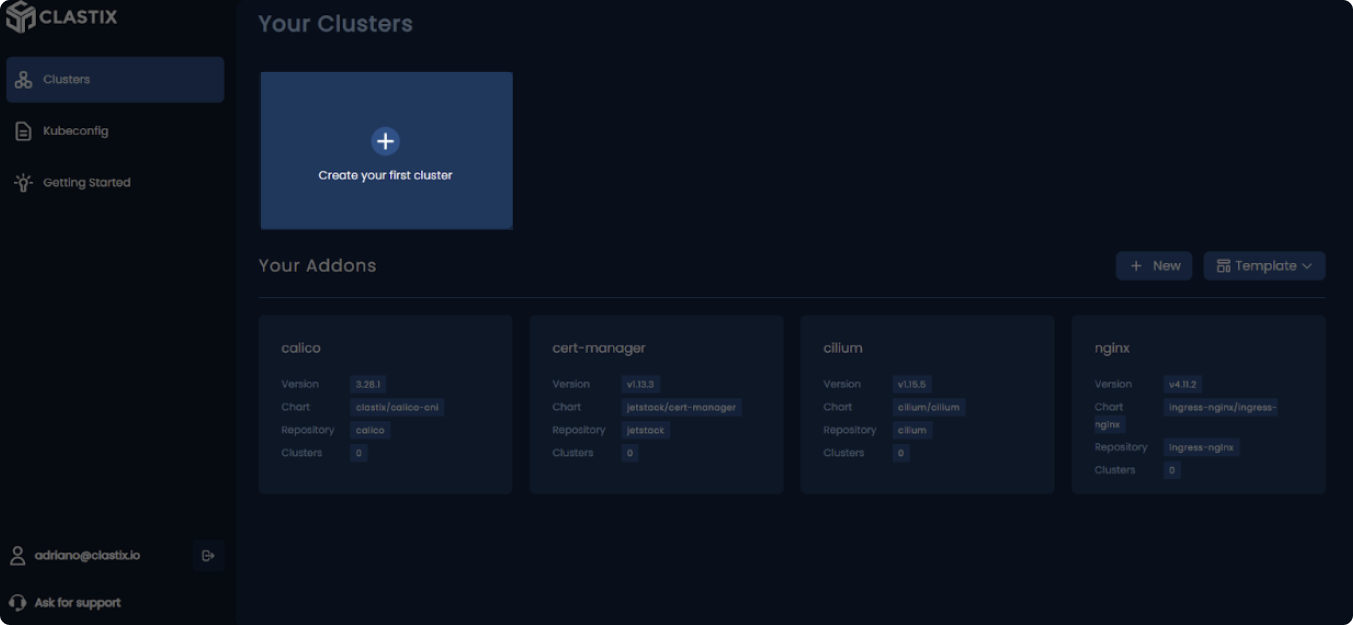
3
Configure cluster settings
Give the cluster a name and choose the Kubernetes version.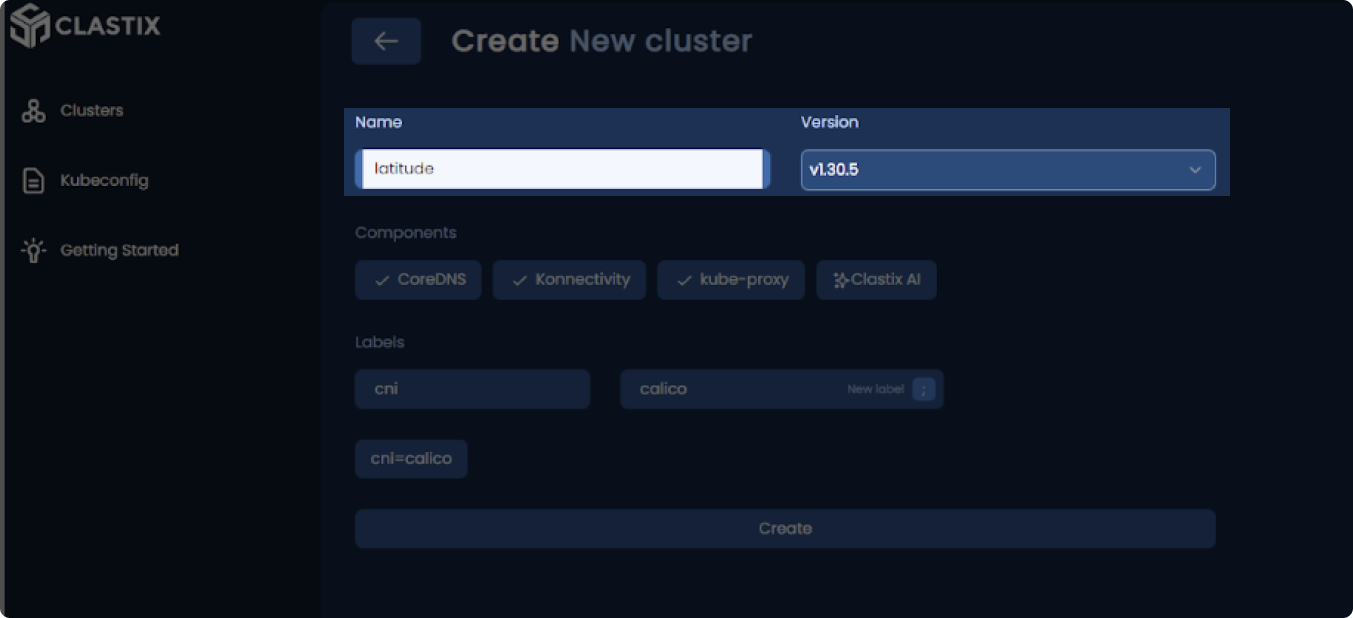
4
Select cluster components
Select the components CoreDNS, Konnectivity, and kube-proxy, then click Create: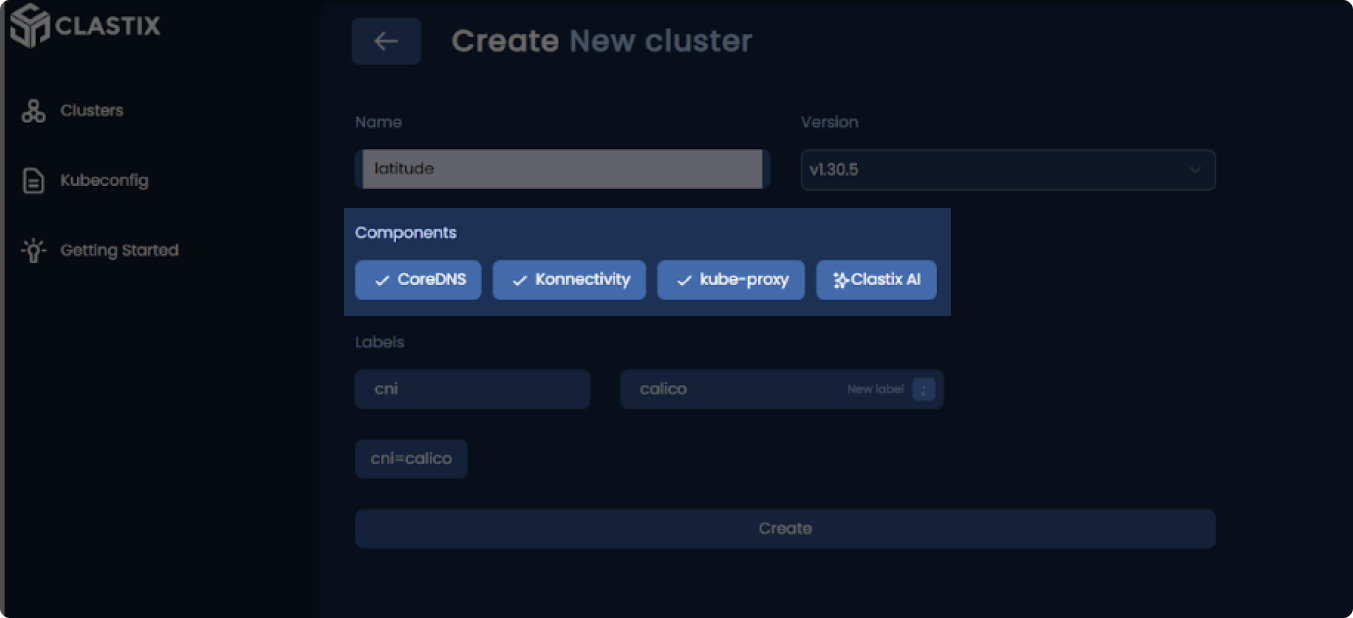
5
Wait for cluster to be ready
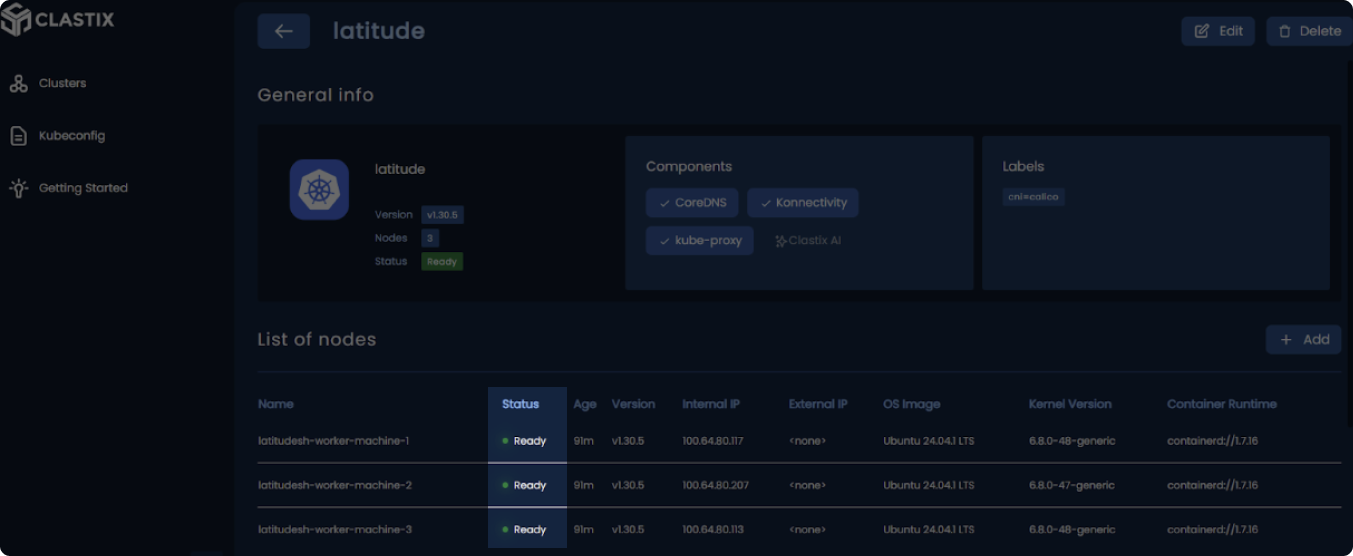
Wait a few seconds until the status of your Kubernetes Control Plane appears “Ready.”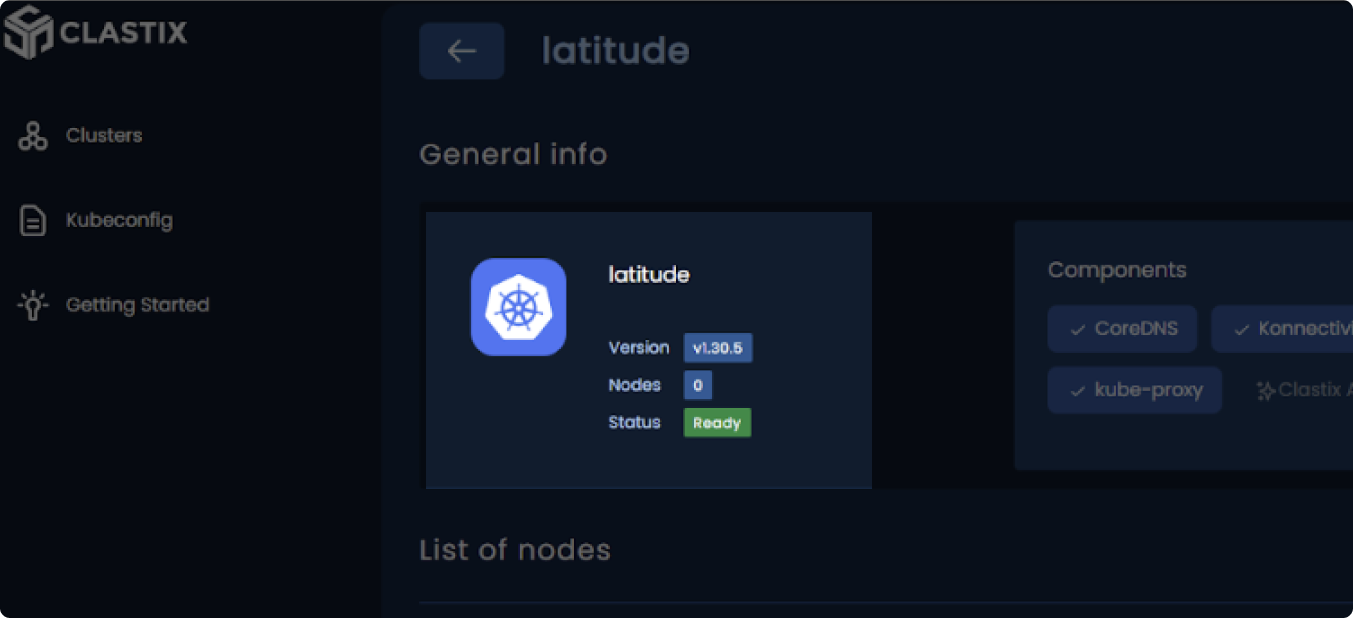
Step 2: Add the bare metal worker nodes
1
Deploy servers
Go to your Latitude.sh console and deploy two or more servers with Ubuntu 22.04 or 24.04.
2
Access your servers
In the server list, click the key icon on the right side of the server row, copy the login snippet, and paste it into your terminal to log in.
For more details, see our docs.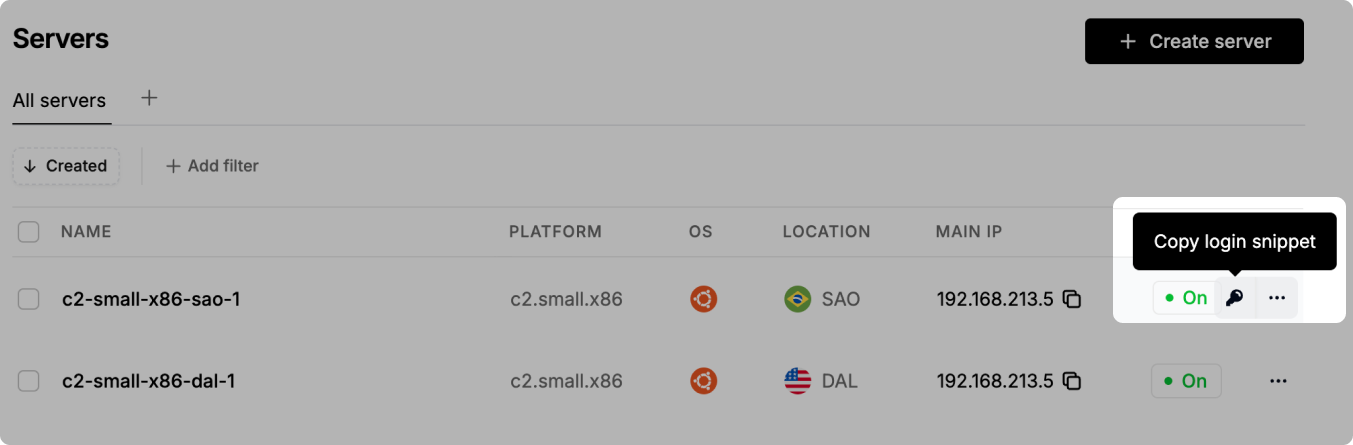
3
Install dependencies
After logging in, run the following command to update the package list and install socat and conntrack:Repeat this process for each server.
4
Join nodes to cluster
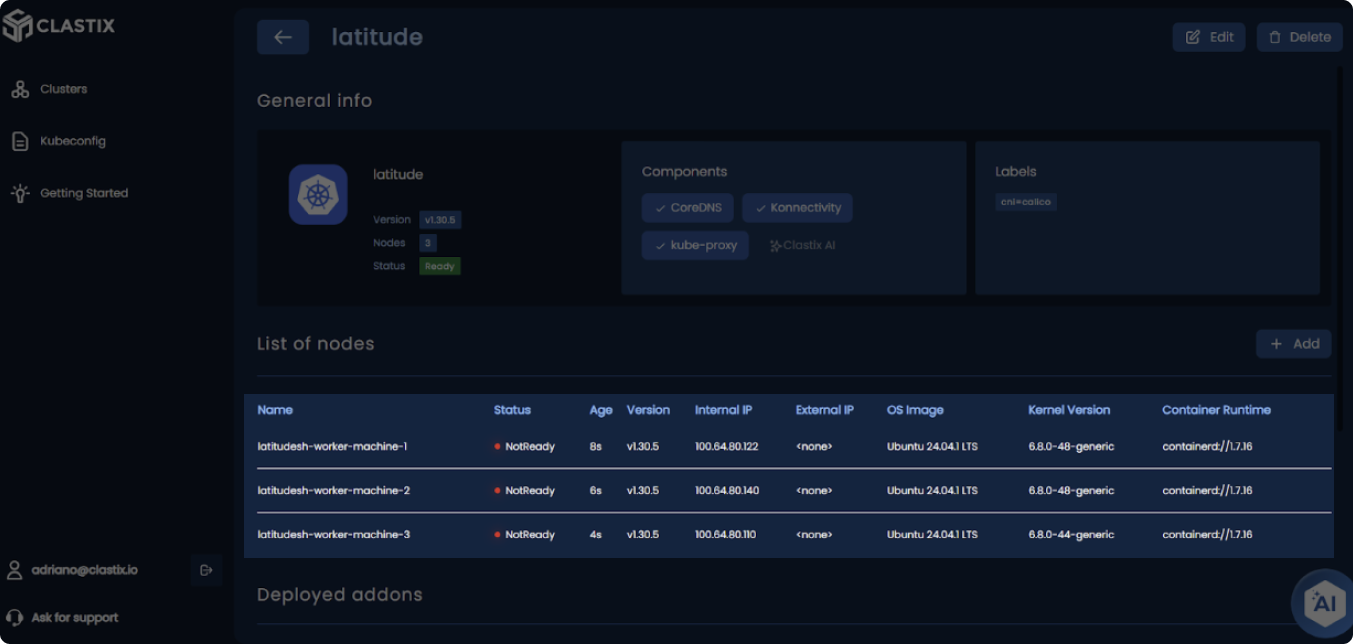
From the CLASTIX console, click on your cluster’s badge to open details, copy the Yaki join command provided, and paste it into your terminal to add the server as a worker node.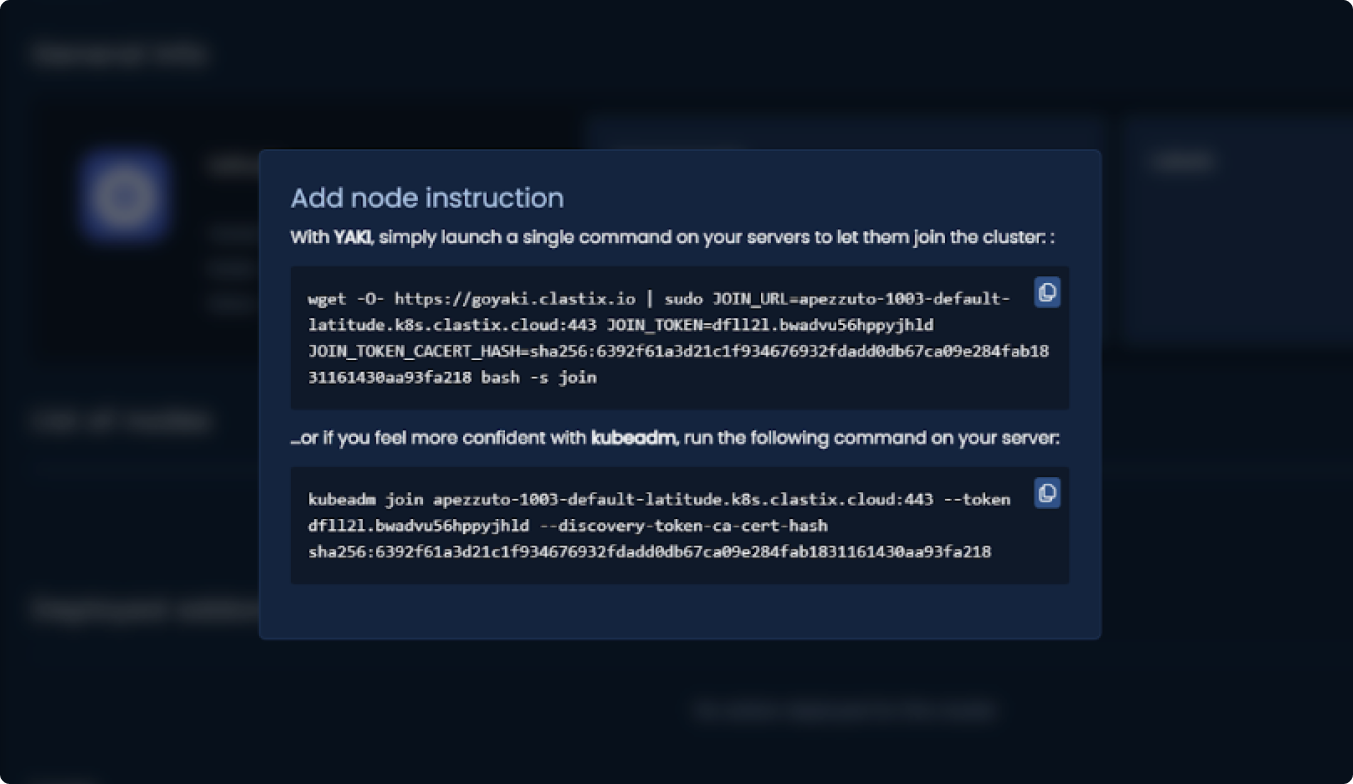
Step 3: Set up kubeconfig
1
Download kubeconfig
From the CLASTIX console, copy the kubeconfig and save it in a
file clastix-kubeconfig.yaml on your workstation.2
Configure kubectl
Set the KUBECONFIG environment variable to point to the location of the kubeconfig file:
Step 4: Install networking add-ons
Your worker nodes will appear “Not Ready” until networking is configured. Follow these steps to install a CNI plugin, such as Calico.1
Add Calico CNI plugin
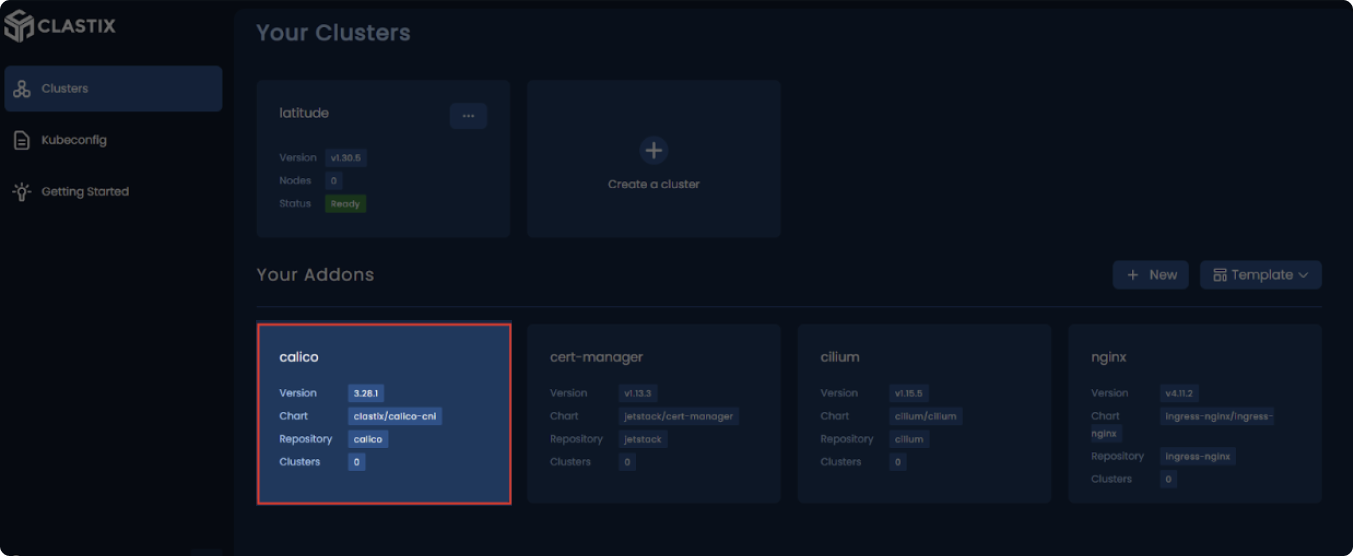
From the CLASTIX console, add a new add-on for Calico by filling in the necessary fields.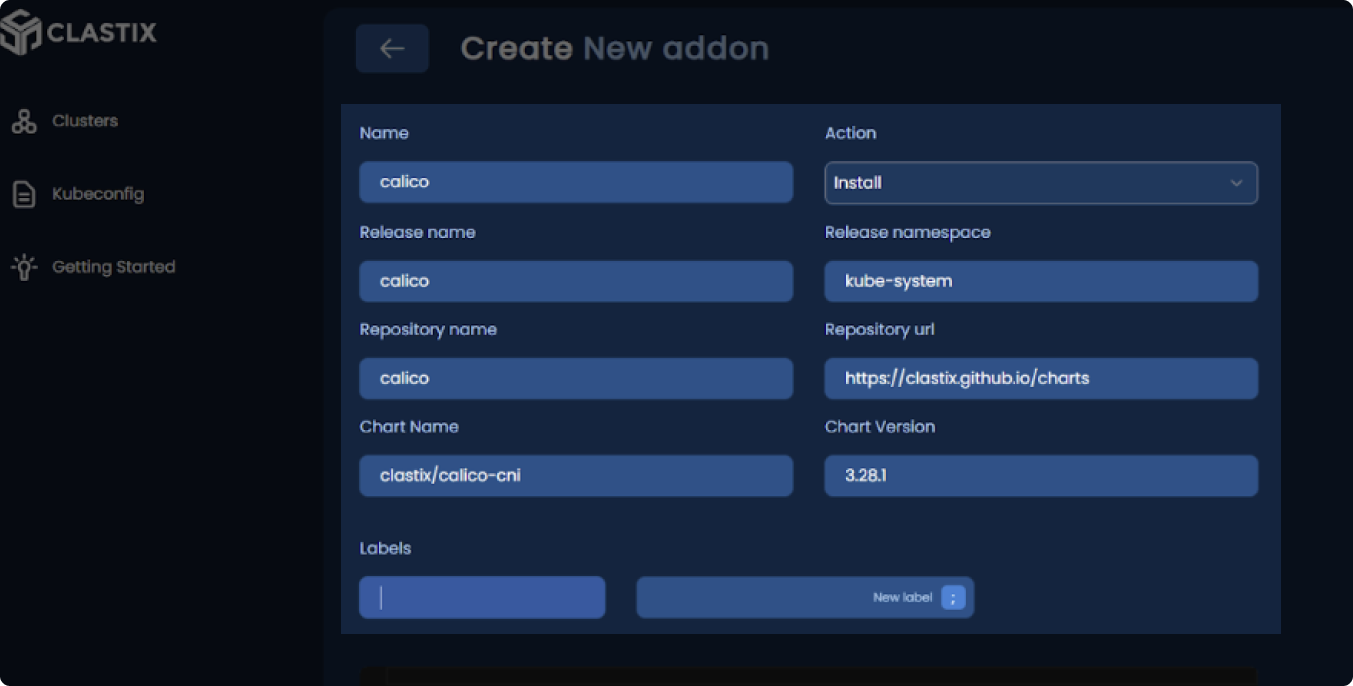
2
Wait for nodes to be ready
Wait a few moments until your nodes transition to “Ready”.