> ## Documentation Index
> Fetch the complete documentation index at: https://www.latitude.sh/docs/llms.txt
> Use this file to discover all available pages before exploring further.
# Creating a team
Before you start deploying on the Latitude.sh Platform, you need to create a **Team**.
Teams allow you to organize multiple Projects and collaborate with other team members.
If you've just signed up, you'll be taken straight to the **Create Team** page.
Follow these steps:
1. Provide a name for your team.
2. Select the country where your company is registered. This determines the currency used for billing. Currently, only USD and BRL are supported.
If you select Brazil, billing will be in BRL. For any other country, billing
defaults to USD. **This cannot be changed later**.
3. Choose your workload type to optimize the deployment environment.
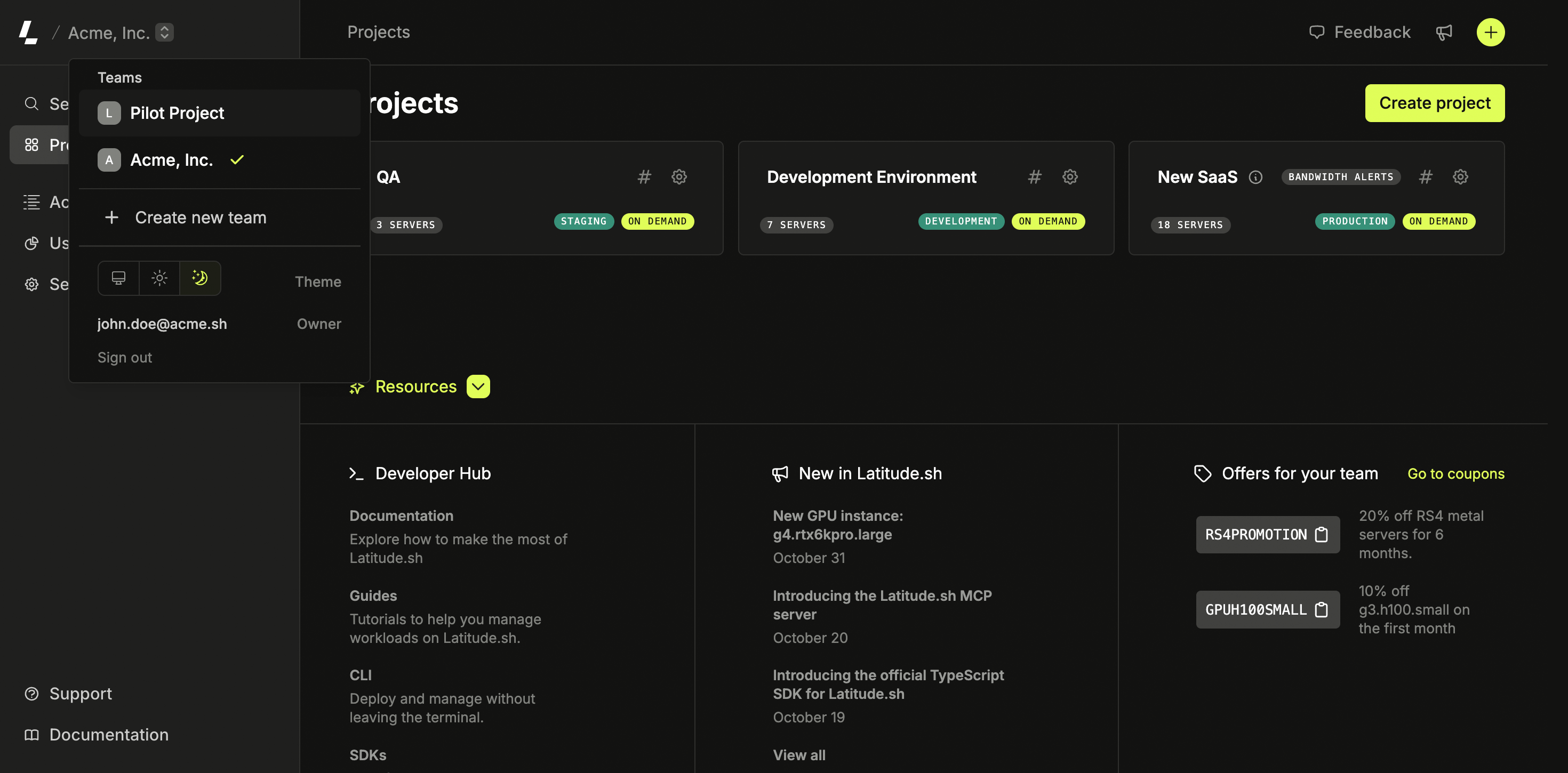
**Tip**: If you already have a team and want to create a new one, click the selector in the top left corner and choose **Create new team**.